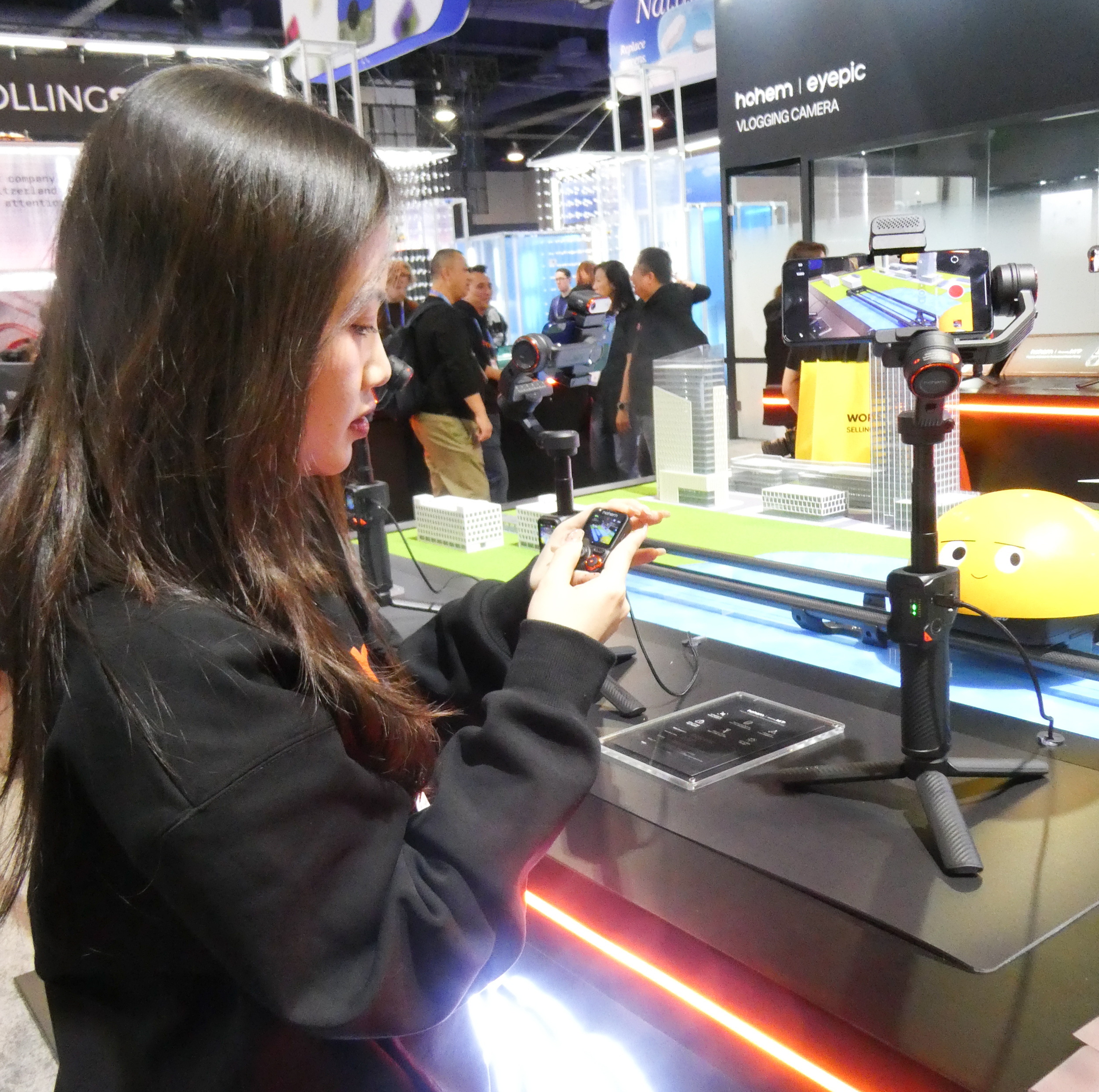
I enjoy attending the Consumer Electronics Show to see the plethora of different devices that are available to a gadget junkie such as myself. This past January I again walked through the miles of the Las Vegas Convention Center to see what might attract my attention. One of the booths was Hohen.
Hohen makes a series of handheld gimbal equipped devices.
These devices are for enthusiasts and professionals who want to shoot better quality movies by stabilizing their videos. They also have other features such as remote control, built-in lighting, subject tracking and more.
Their representative demonstrated a few of the features for me and I was impressed.
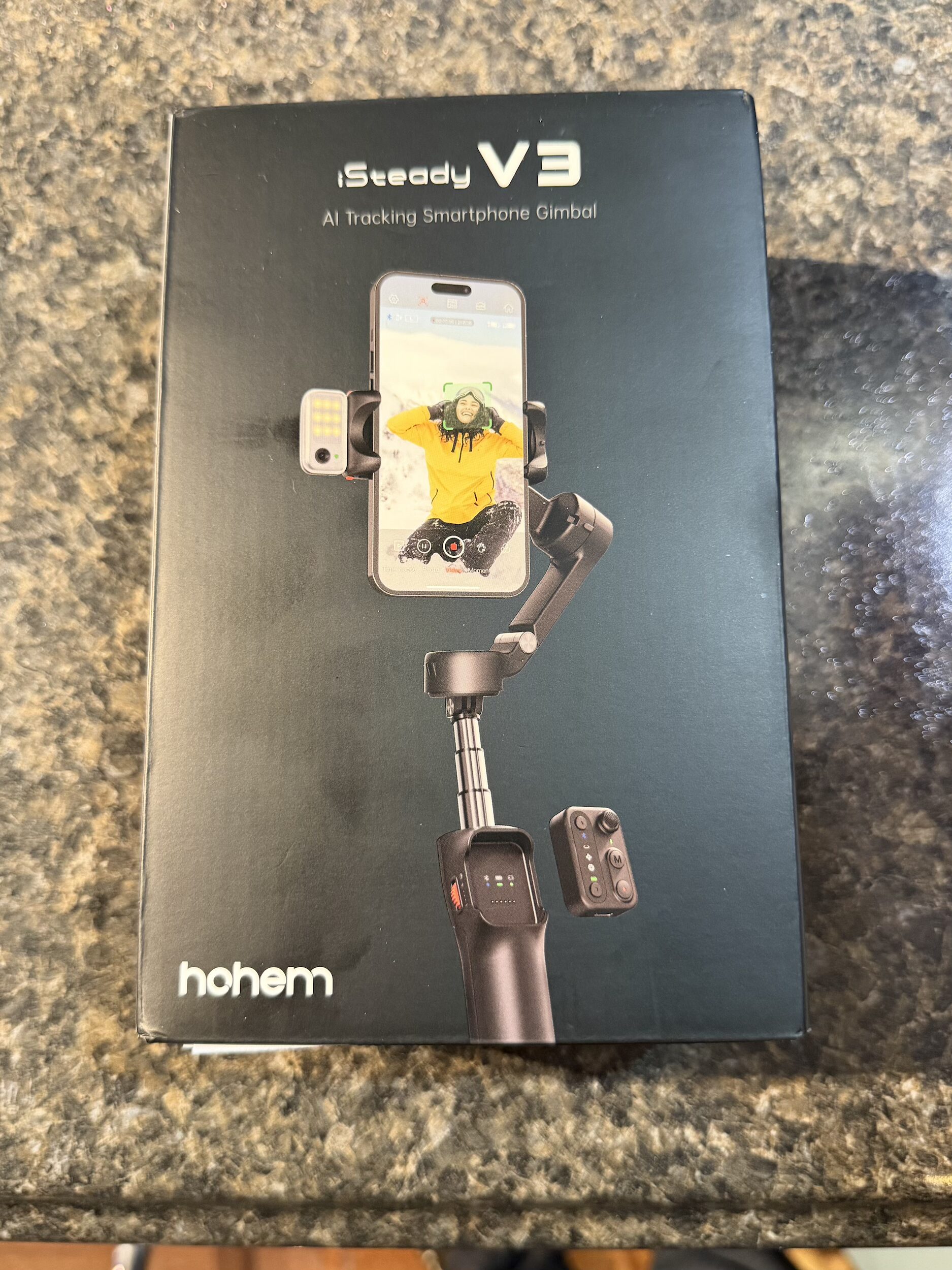
When I returned home, I ended up purchasing the V3 model
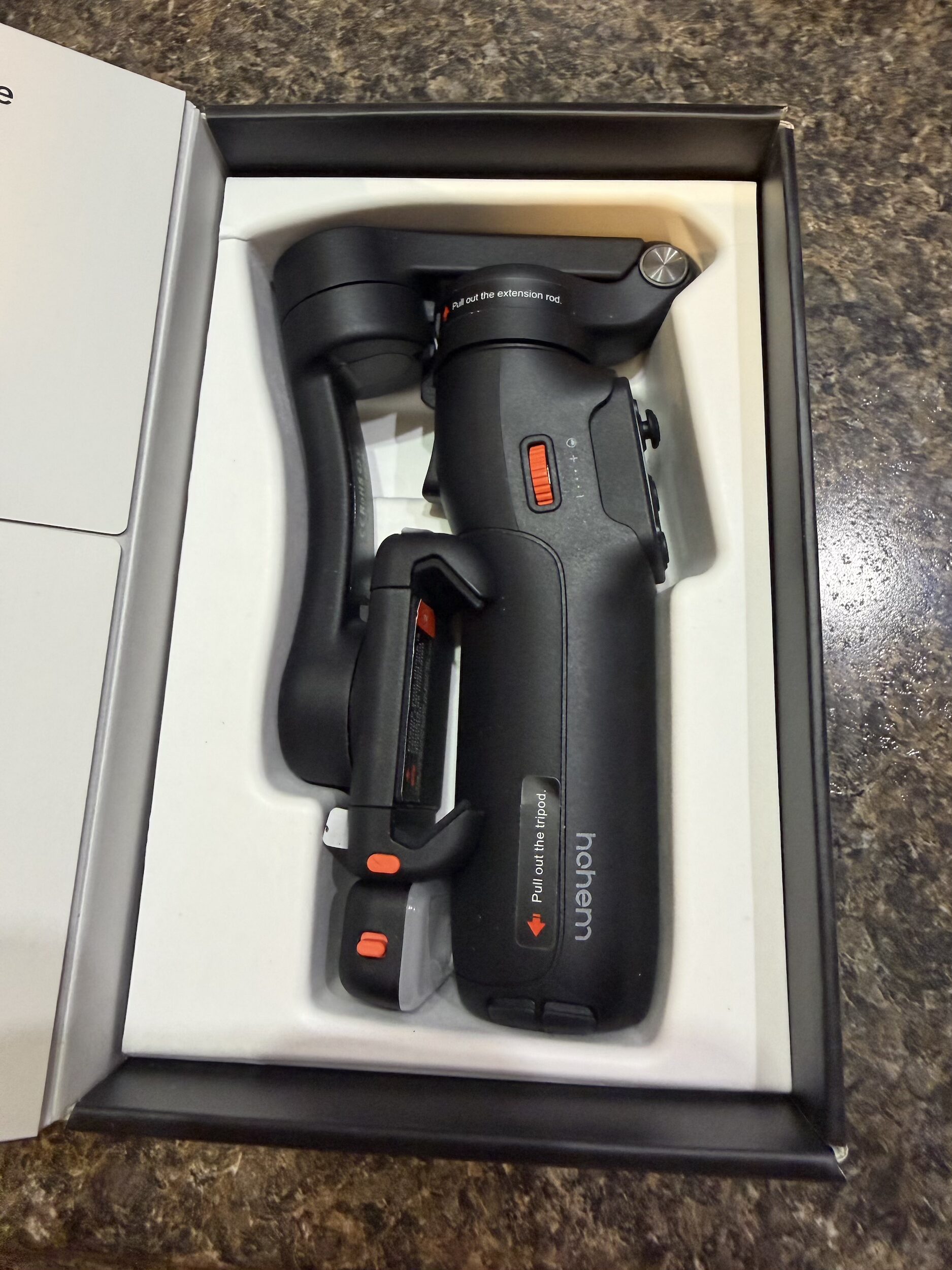
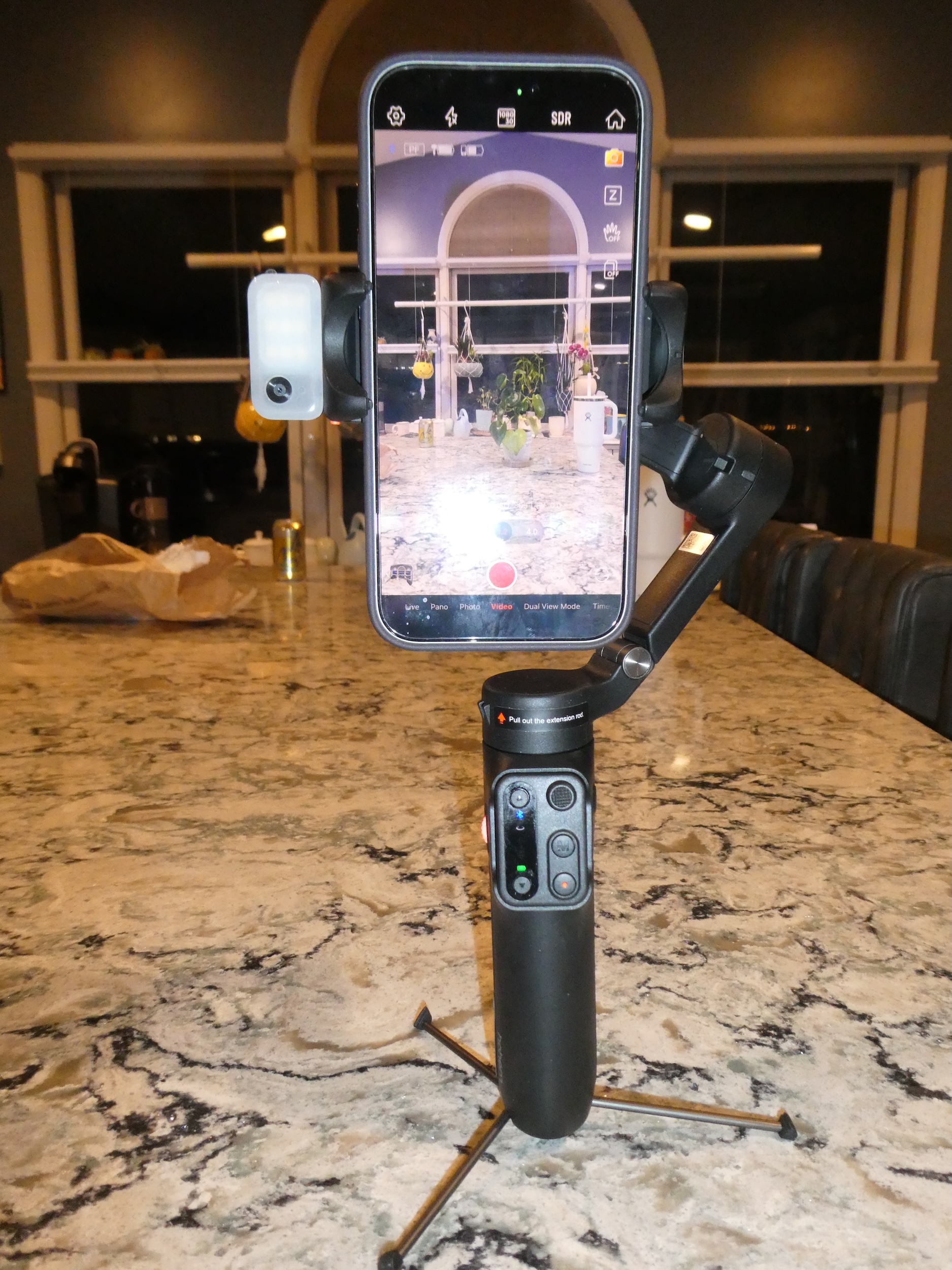
It has a builtin tripod, telescoping extension and auxiliary fill light.
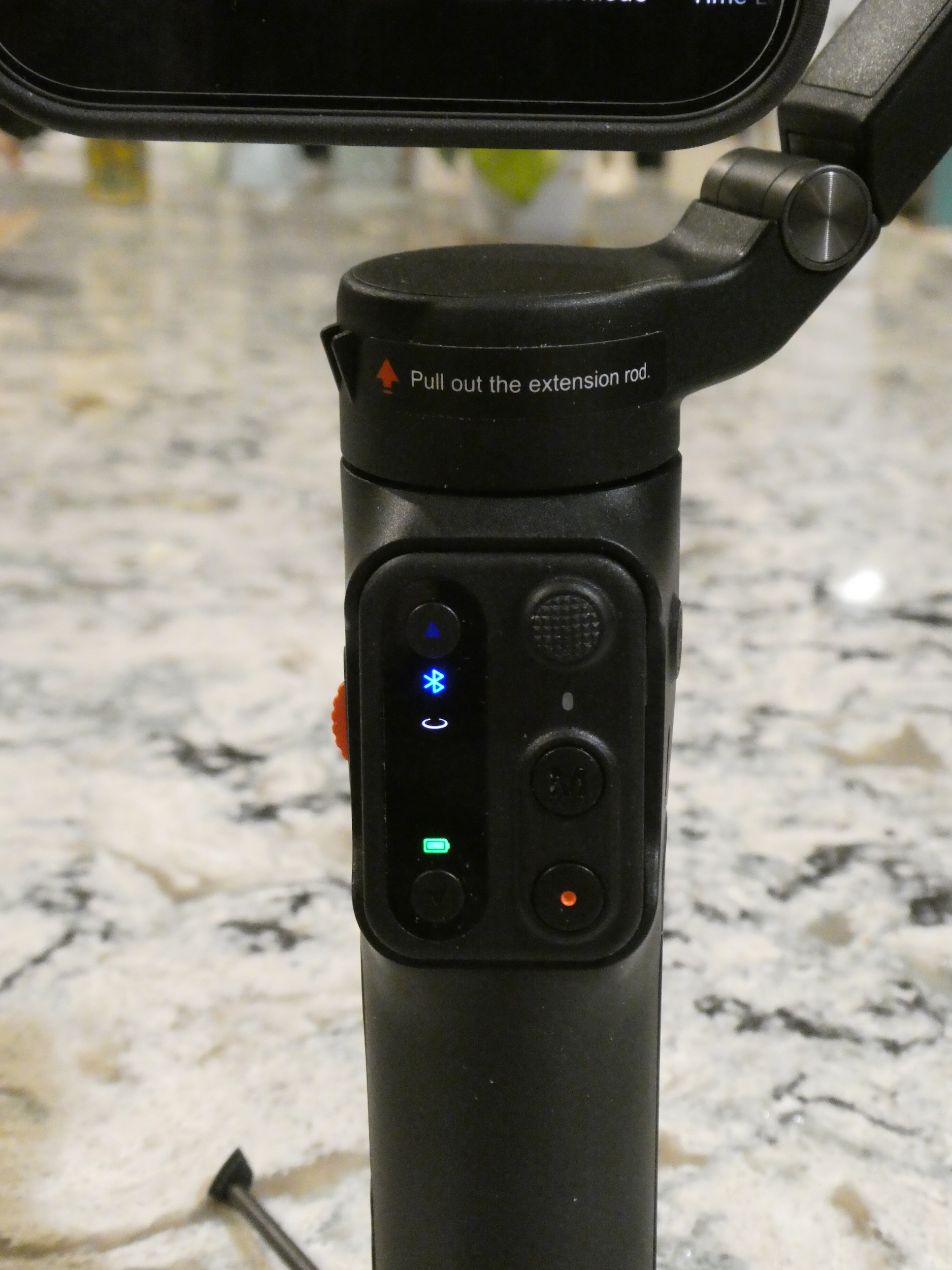
This closeup shows the controller which is removable for remote use.
Here my mobile phone is mounted on the gimbal. On the left is a small fill light and the tracking sensor.
This short video demonstrates the tracking capability of the gimbal. The representative has ordered the gimbal to follow the movement of the yellow ball. You can see the camera moving on the gimbal as the yellow ball progresses on the track.
The unit communicates with your mobile phone with bluetooth. The mobile app has multiple templates to make it easy to produce fun and exciting movies. You can add various filters and create slow-motion and timelapse content.
Hohem’s V3 model sells for about $125 and has so far proven to be a good investment. I’ve happily added this gimbal to my photography accessory bag and am hoping that the quality of my movies improves.
The Hohem X3 model lacks the telescoping extension and the builtin fill light but sells for about $65.
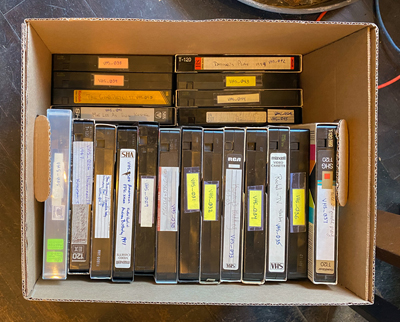
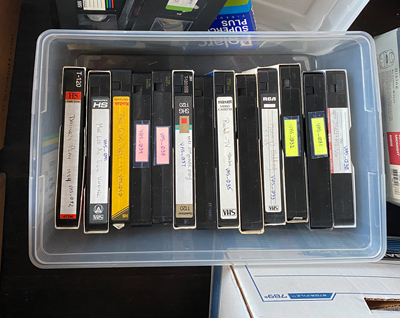
I’ve had a couple of boxes full of VHS cassettes sitting in the basement for years. When I finally started looking through them, I saw that some of them dated back to the 1980’s – they’re more than 30 years old.
I shouldn’t have been surprised since we bought our first VHS camera when some of our kids were just babies. We have cassettes of babies, of birthdays, of holidays, of vacations, of weddings, of …. I think you can name other events as well.
My goal was to convert them so that the family would be able to easily view them on their computer or digital device. Initially this looked like an enormous task, but soon after I got started this turned into an enjoyable project.
Follow along as I go through the steps.
One of the items on my “to-do list” is to convert these old movies to a form that the family could easily watch and enjoy the events that we recorded years ago. But first I had to locate a VHS player. We hadn’t owned one for years.
I found one for sales in our area for a reasonable cost.
Next I needed a device to convert the video frames to a digital form that is copied to the computer.
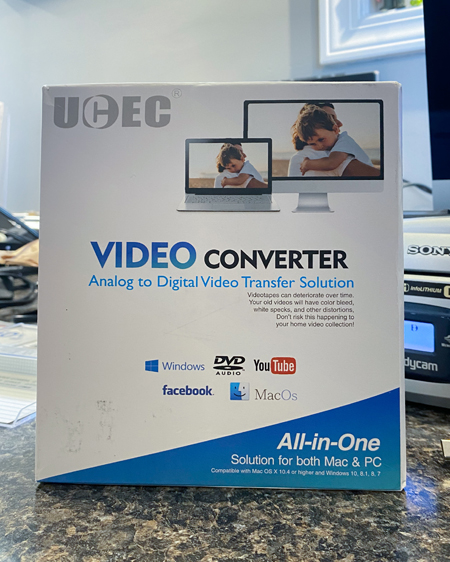
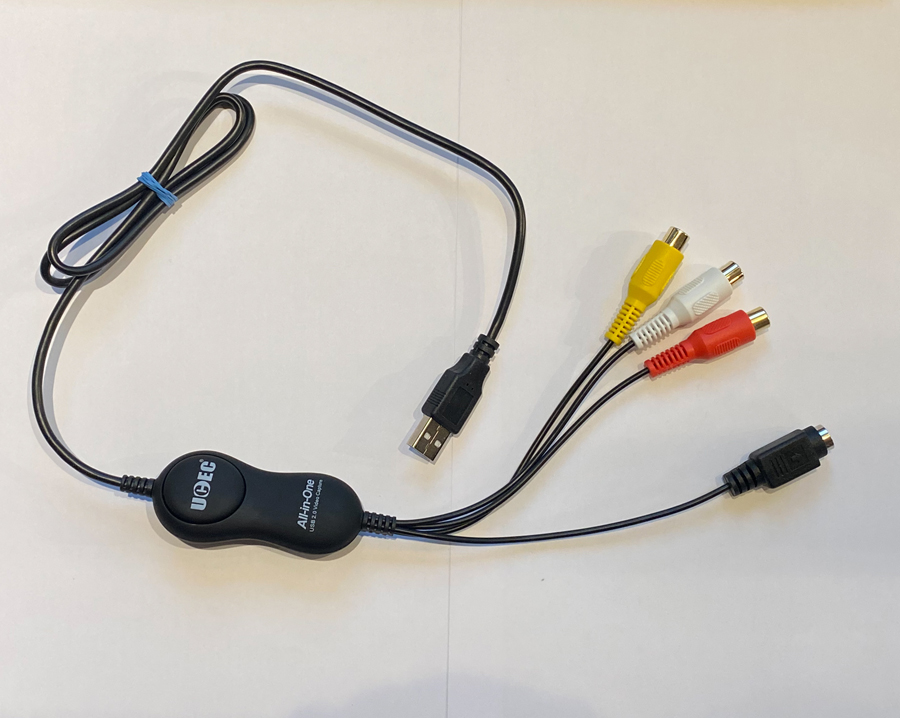
Searching the Internet I found this inexpensive (about $10) device. The three connectors (red, white and yellow) plug into the VHS player and the other end is a USB connector plugs into my computer.
If you use a Windows computer, the above Video Converter comes with software to record the video to your computer. I use an iMac so the QuickTime application is used to record the digitized video.
Using QuickTime I watched the conversion of the first cassette on my computer screen. I was satisfied with the high quality of the resulting video and accompanying sound. However I immediately realized that this project was going to take a long time. Since many of my VHS cassettes were “full”, a two-hour recording takes two hours to digitize. Thankfully I could perform other tasks on my iMac while QuickTime was running in the background. To conserve time, I resigned myself to convert only one or two cassettes at one sitting.
By the fourth or fifth cassette I realized that I had a problem. Some of my cassettes were recorded at a “slower” speed (to save money by conserving recording capacity). As these cassettes were played, the movie would run at double speed with the sound garbled. The above video player that I purchased did not have a way to replay at this slower speed.
I tried to fix this by replaying the resulting digitized file at a slower speed but the video and sound were poor.
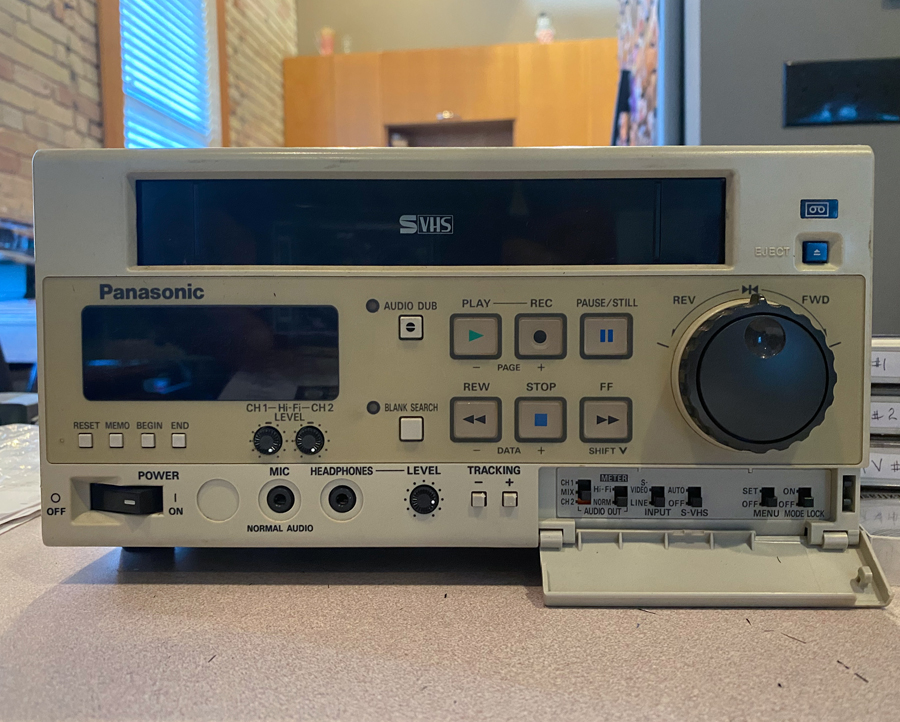
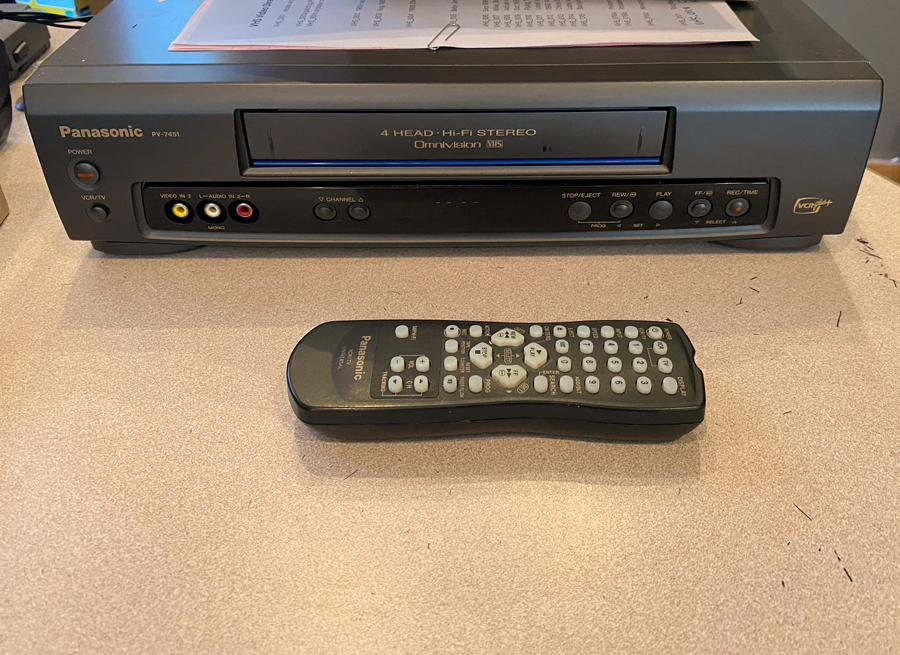
So I went searching for a second VHS player that was capable of playback at the slower recording speed and found this model for a reasonable cost.
After three weeks of converting boxes of old VHS cassettes I now have a large library of old family movies that I’m able to share with others digitally.
Sample movie converted from VHS cassette to digital mp4 file from 1990
All of the effort turned out to be a lot less than I expected. I’m glad that I undertook this project and have already had lots of feedback from many of the faces in these “old” movies.