Category Archives: equipment

High Key Photos

Creating a Stark Black & White Effect

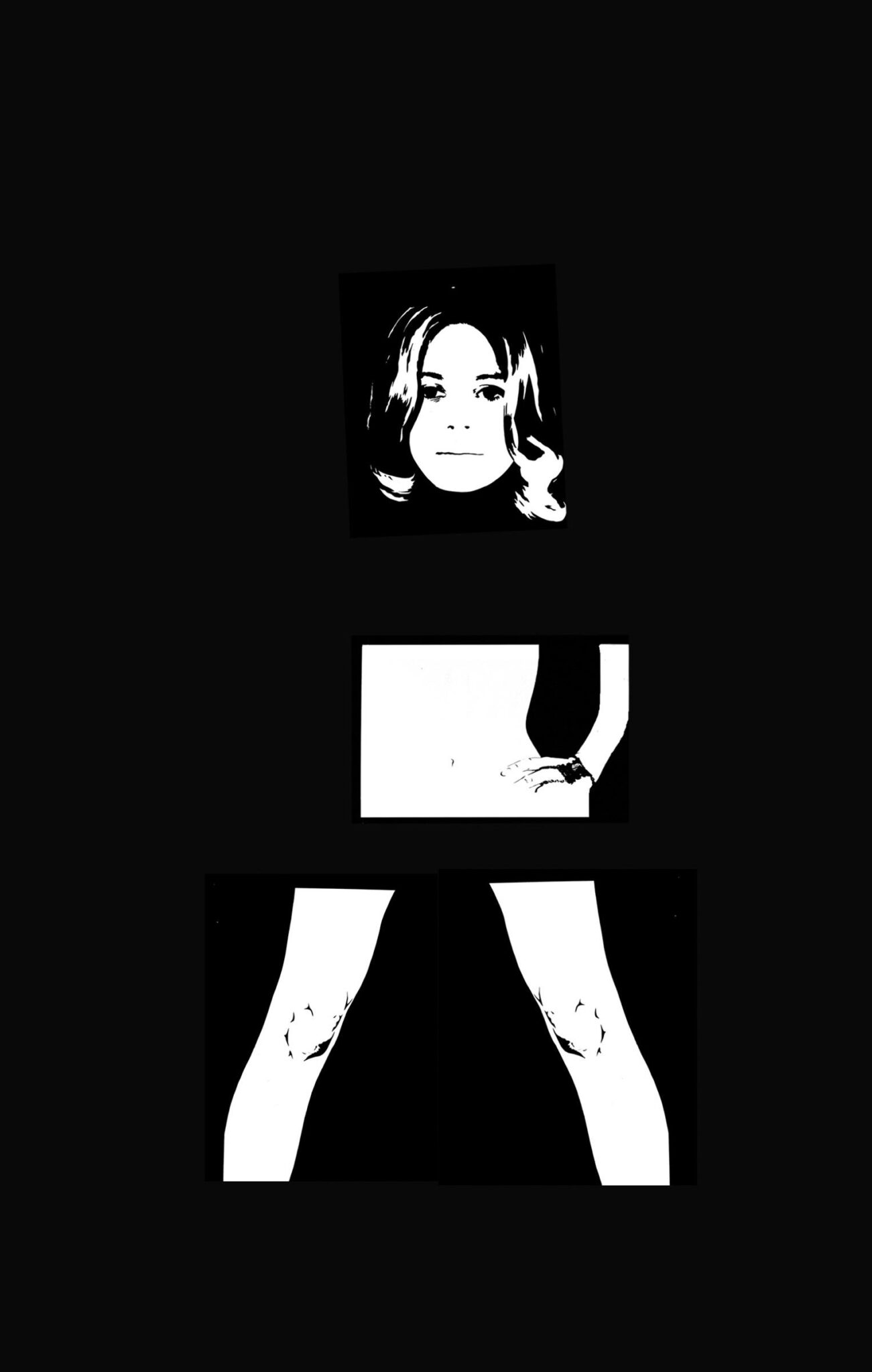
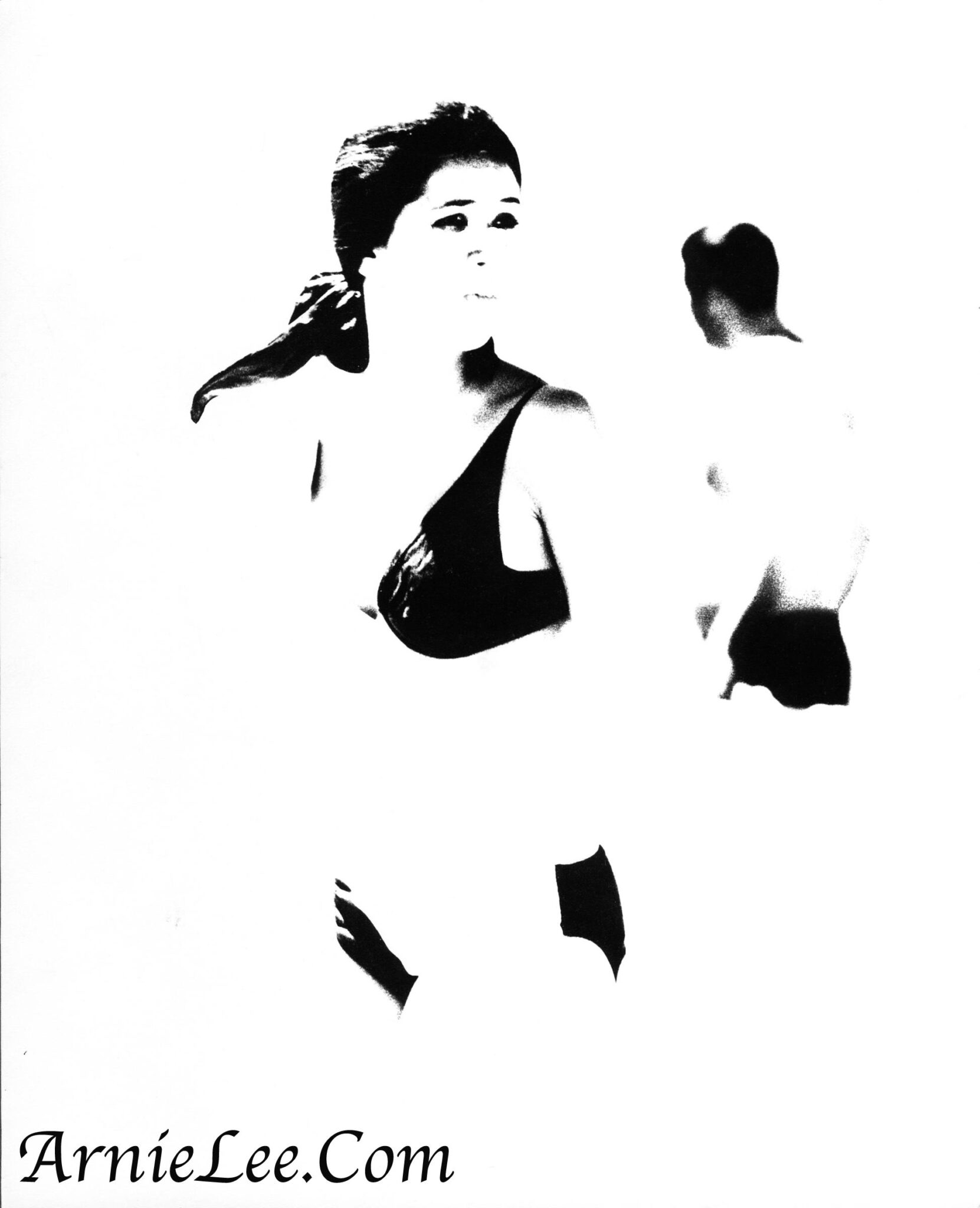
Every once in a while I like to experiment with high key black and white photos. A high key photo has most of the mid-tones removed, leaving only the darkest part.

There are basically three ways to do this:

  • Overexpose the subject leaving little detail of the mid-tones.
  • Use high contrast film eliminating or minimizing the mid-tones of the original.
  • Use digital software to achieve a similar effect.

Here are a few examples using all three techniques.

Transferring Old VHS Movies

Sharing my VHS movies in the digital age

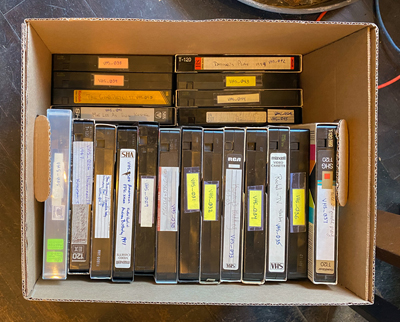
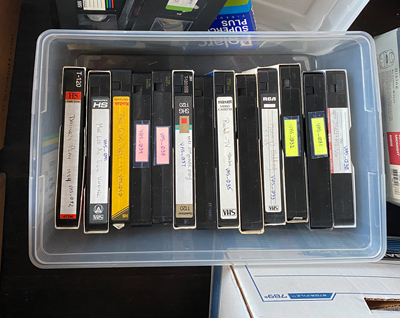
I’ve had a couple of boxes full of VHS cassettes sitting in the basement for years. When I finally started looking through them, I saw that some of them dated back to the 1980’s – they’re more than 30 years old.

I shouldn’t have been surprised since we bought our first VHS camera when some of our kids were just babies. We have cassettes of babies, of birthdays, of holidays, of vacations, of weddings, of …. I think you can name other events as well.

My goal was to convert them so that the family would be able to easily view them on their computer or digital device. Initially this looked like an enormous task, but soon after I got started this turned into an enjoyable project.

Follow along as I go through the steps.


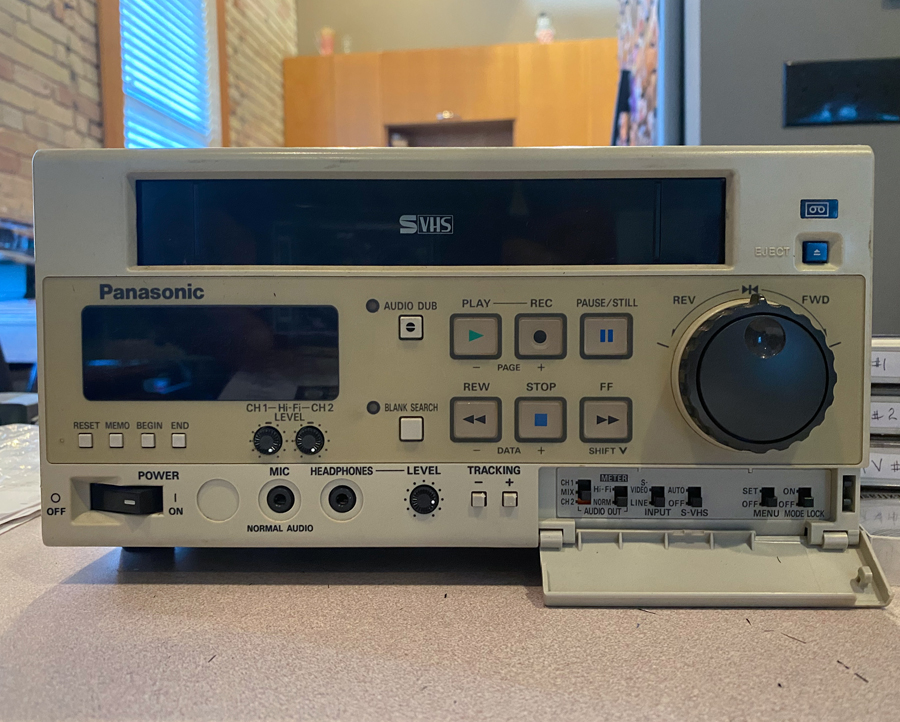
One of the items on my “to-do list” is to convert these old movies to a form that the family could easily watch and enjoy the events that we recorded years ago. But first I had to locate a VHS player. We hadn’t owned one for years.

I found one for sales in our area for a reasonable cost.


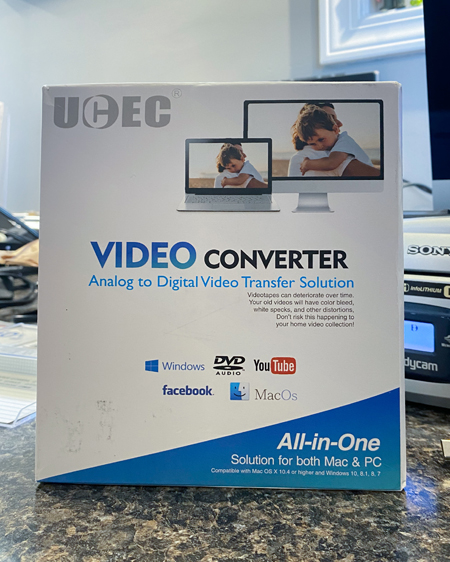
Next I needed a device to convert the video frames to a digital form that is copied to the computer.


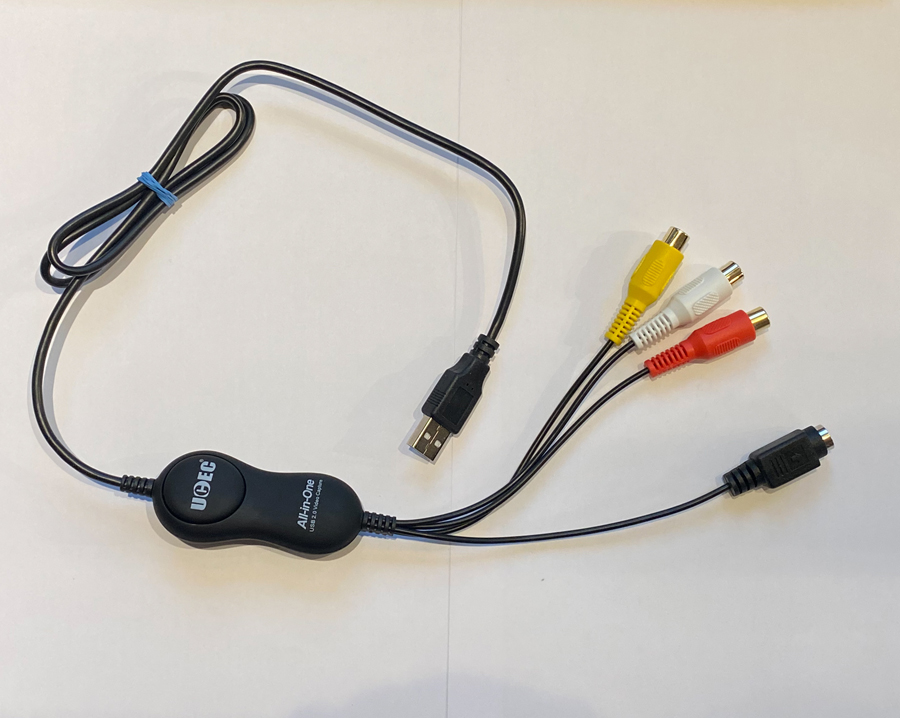
Searching the Internet I found this inexpensive (about $10) device. The three connectors (red, white and yellow) plug into the VHS player and the other end is a USB connector plugs into my computer.

If you use a Windows computer, the above Video Converter comes with software to record the video to your computer. I use an iMac so the QuickTime application is used to record the digitized video.

Using QuickTime I watched the conversion of the first cassette on my computer screen. I was satisfied with the high quality of the resulting video and accompanying sound. However I immediately realized that this project was going to take a long time. Since many of my VHS cassettes were “full”, a two-hour recording takes two hours to digitize. Thankfully I could perform other tasks on my iMac while QuickTime was running in the background. To conserve time, I resigned myself to convert only one or two cassettes at one sitting.

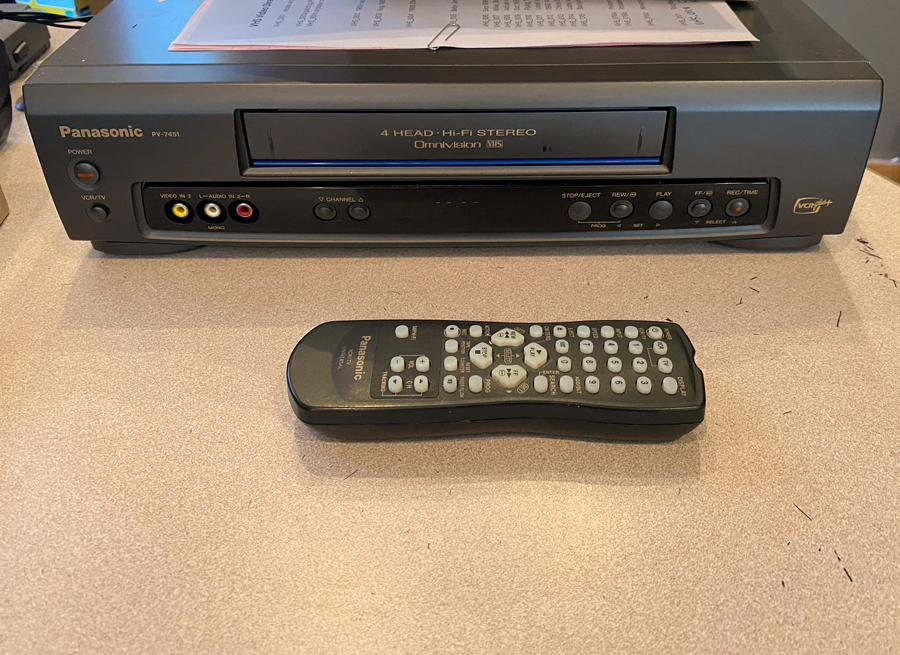
By the fourth or fifth cassette I realized that I had a problem. Some of my cassettes were recorded at a “slower” speed (to save money by conserving recording capacity). As these cassettes were played, the movie would run at double speed with the sound garbled. The above video player that I purchased did not have a way to replay at this slower speed.


I tried to fix this by replaying the resulting digitized file at a slower speed but the video and sound were poor.

So I went searching for a second VHS player that was capable of playback at the slower recording speed and found this model for a reasonable cost.


After three weeks of converting boxes of old VHS cassettes I now have a large library of old family movies that I’m able to share with others digitally.


Sample movie converted from VHS cassette to digital mp4 file from 1990


All of the effort turned out to be a lot less than I expected. I’m glad that I undertook this project and have already had lots of feedback from many of the faces in these “old” movies.


In a previous life

Once upon a time we were in the “software” business.

Here’s how we got to that starting line.

In 1973 I started working at several corporate computer centers as a programmer and system analyst. I would sit at a desk size keyboard to write programs on punch cards. I’d feed those punch cards into a room size mainframe computer to get it to perform a series of calculations required to run various business functions. The humongous mainframe computer was mostly relegated to tasks that only personnel with a technical background could handle.

Starting in the late 1970s a small device affectionately known as a microcomputer appeared on the scene. Micros were the beginning of a new kind of tiny (compared to the mainframes) personal computer that could fit on a small desktop.

When a micro named the Commodore PET was announced, I placed an order for one. Soon after, I received delivery of the all-in-one Pet serial number 57. My goal was to see if it could be useful for the more general public. But I was surprised that the PET wasn’t as user friendly as I expected – especially programming it to do useful tasks. This then was the start of the small software business name ABACUS that would take us through the next 30+ years.


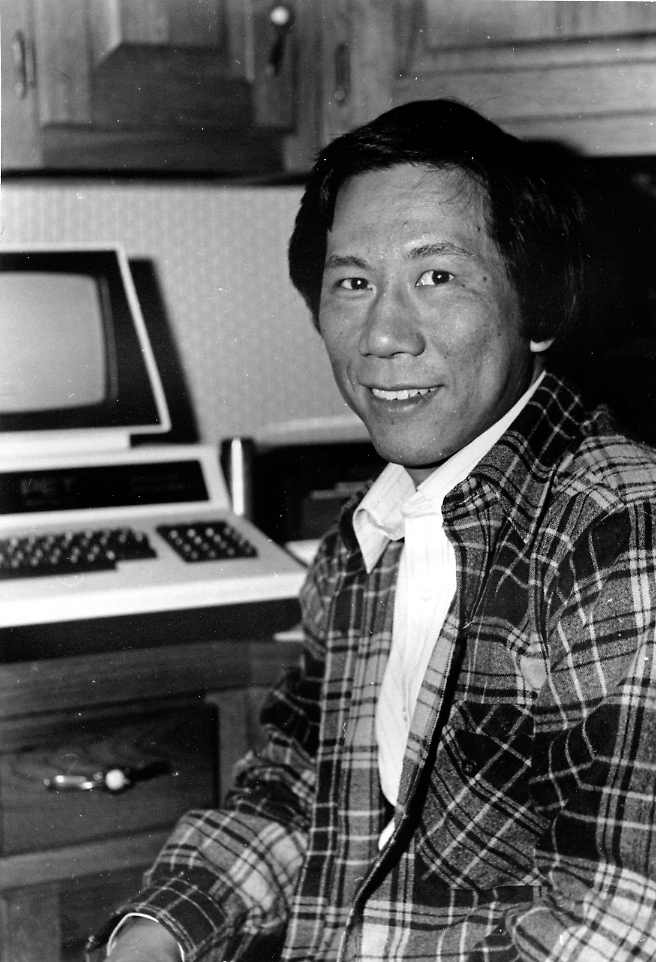
Here’s a picture of me sitting in front on a PET “microcomputer”


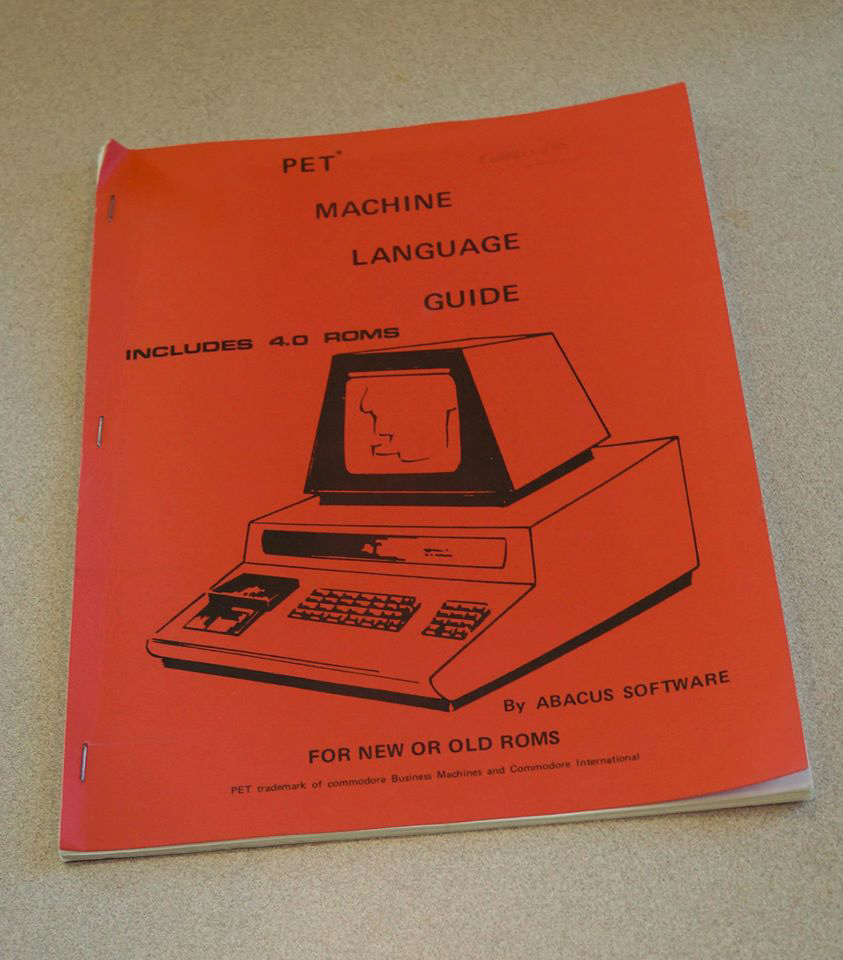
Our first product was a book for programming the PET “microcomputer”

Despite its relatively high price ($795 to $995), the PET quickly became a popular product. In fact we sold tens of thousands of the PET Machine Language Guide. We quickly published a series of other books for the PET and produced dozens of games, music, tools and other software for successor Commodore micros in coming years.


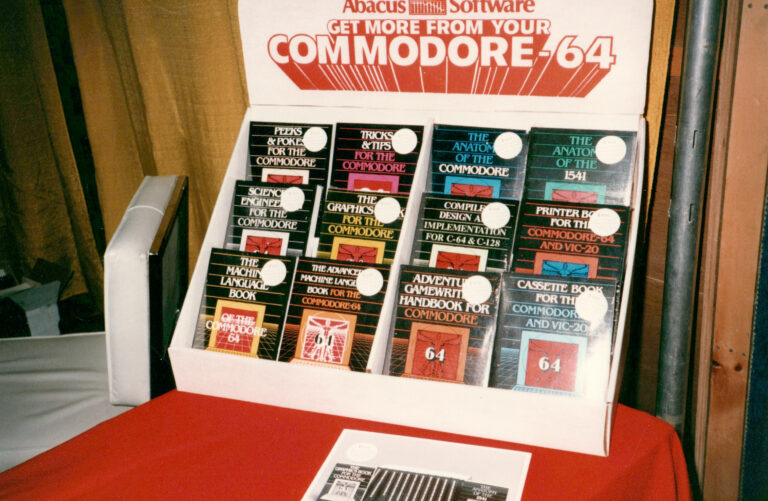
our book series for Commodore micros


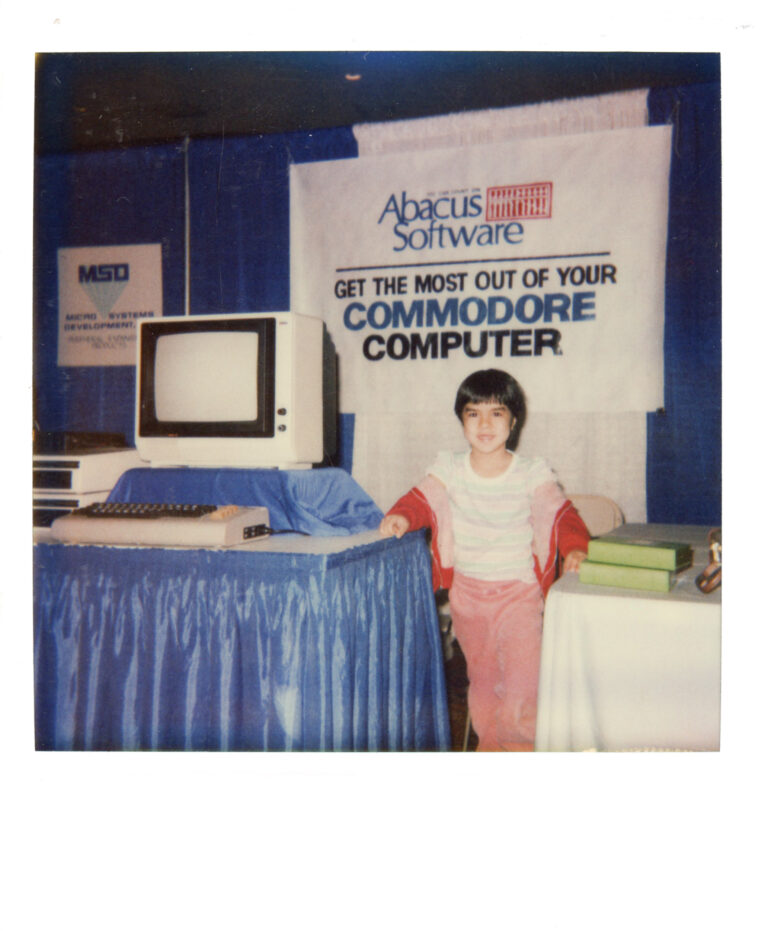
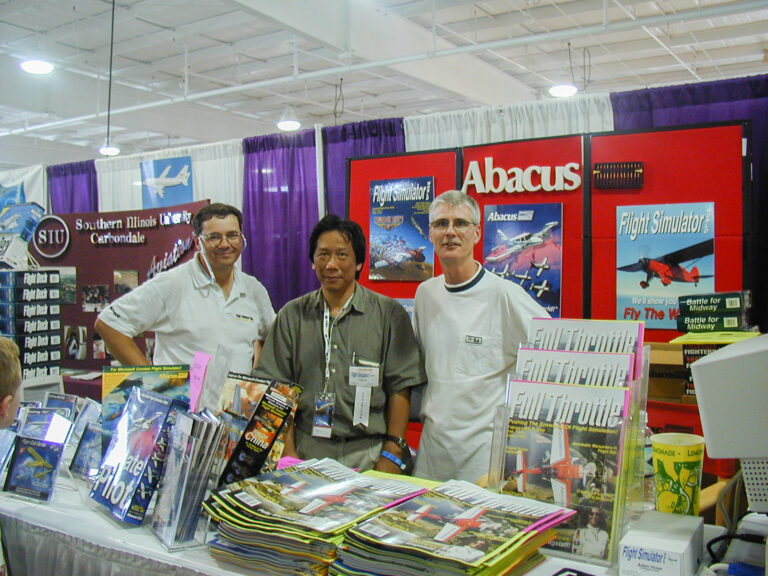
our display at an early microcomputer trade show

Soon many new micros were being introduced and sold: Tandy TRS-80, Apple II, Amstrad, Texas Instruments and several more. By the mid-1980s we turned our energies to a more powerful micro from Commodore called the Amiga.


By the mid-1980s there were several new brands of micros


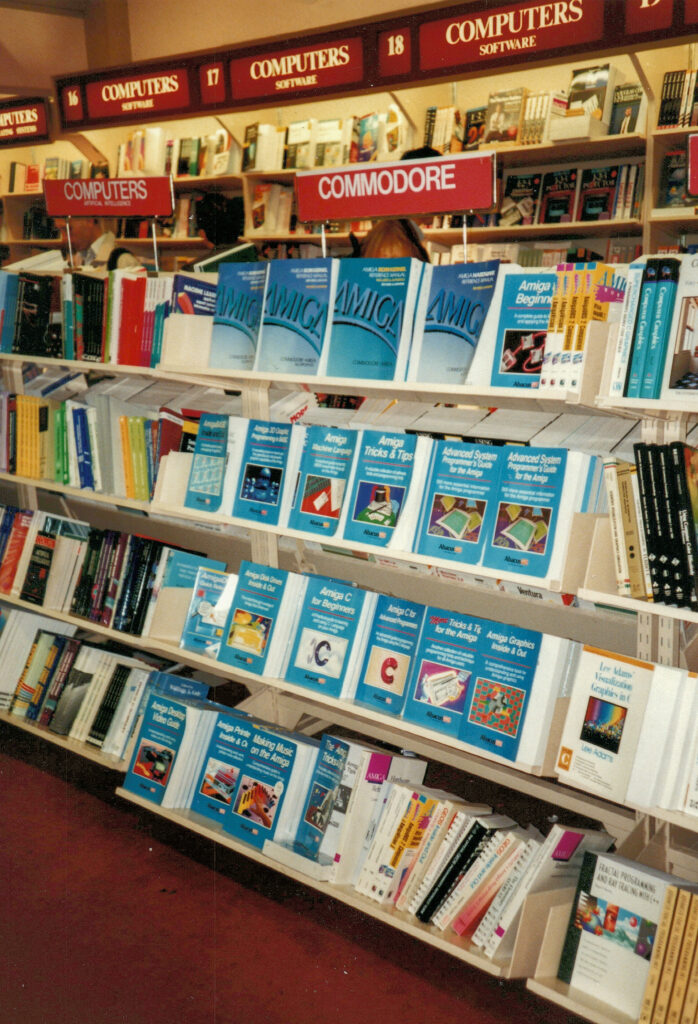
Our Amiga series of books

We continued developing software and publishing books (more than 200 products) during the next ten years mostly for the huge IBM PC marketplace. This was a time of a very competitive environment – so competitive in fact that we barely stayed above water business-wise.

But skip ahead to the mid 1990s  and we somehow found ourselves producing hundreds of unique and innovative products for users of Microsoft Flight Simulator. We attended many aviation conventions and software trade shows where we bumped up against many amazing classic and modern aircraft and the interesting people who fly them. This was one of the most exciting times for us at Abacus.


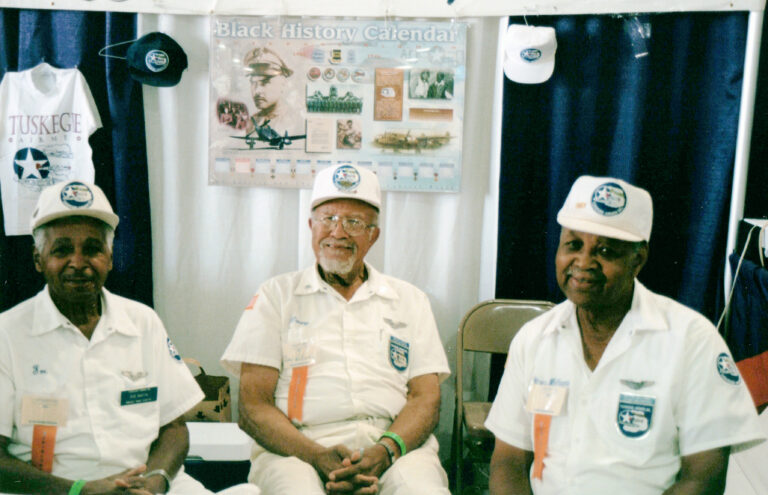
several of the famous WWII Tuskeegee Airmen at an airshow 


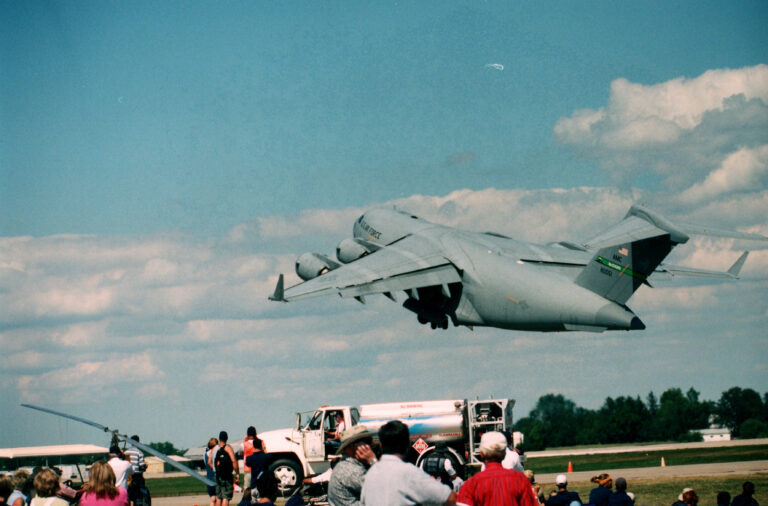
a huge C-17 passing over the crowds at Oshkosh airshow


flight simulation software and our magazine


more flight simulation software


an A-10 Thunderbolt II leaving Nellis AFB


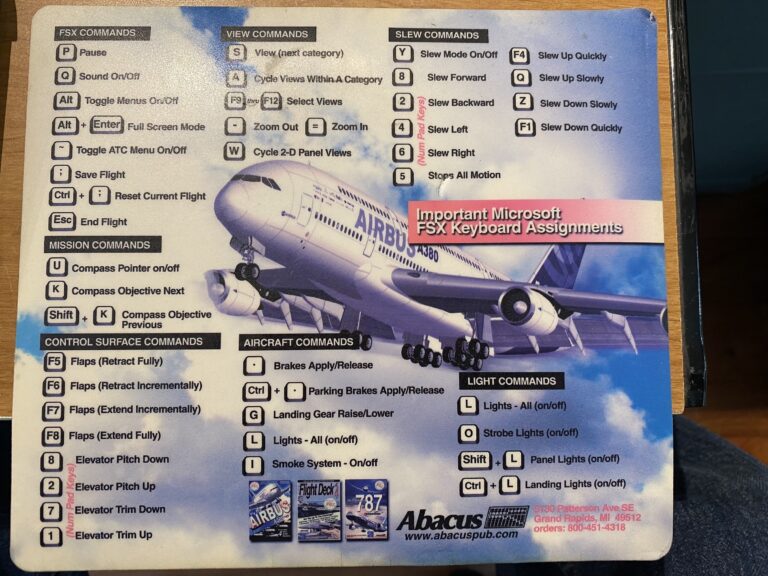
one of our flight sim accessory mouse pads


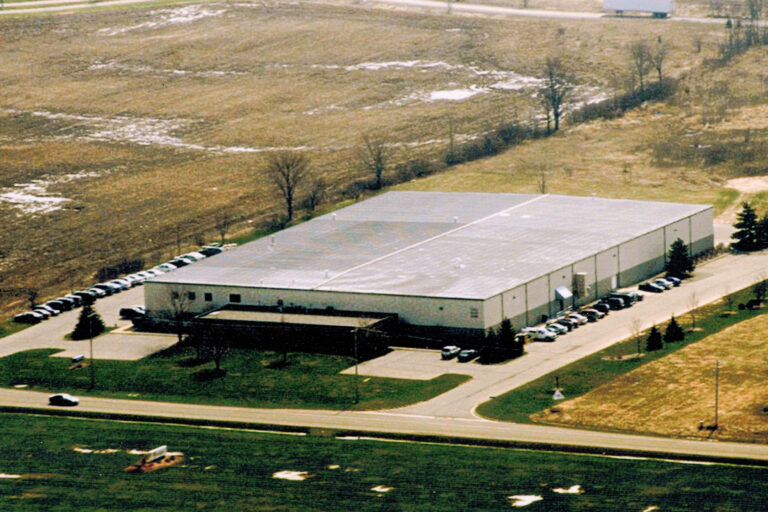
the Abacus offices for many years


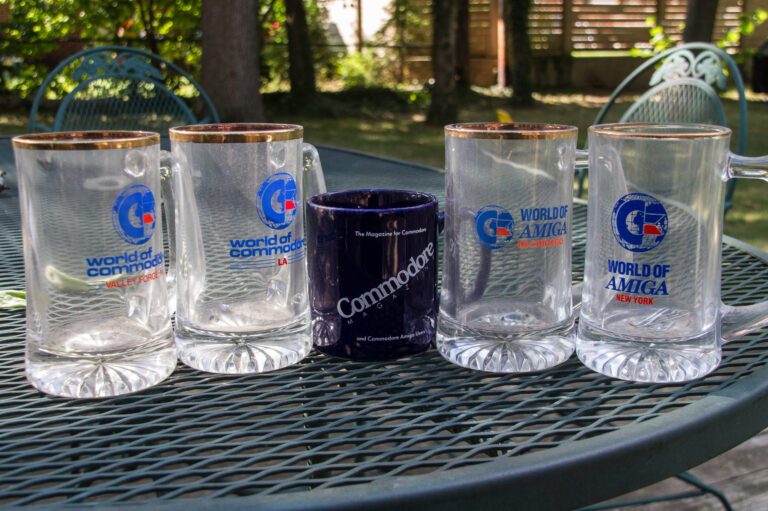
some souvenirs from over the years

The flight simulator market gave us a much welcomed boost to our business for an extended number of years.

However, Microsoft withdrew its Flight Simulator product from its lineup so in 2011 we decided that it was time to take down our shingle.

So that’s a short history of our previous life hawking computers, software, books and magazines.

It was fun being pioneers at the start of the microcomputer era – one that lasted 33 years for us. And while this previous life has passed, these past times are something to look back on having made many friends and recalling so many good experiences.